

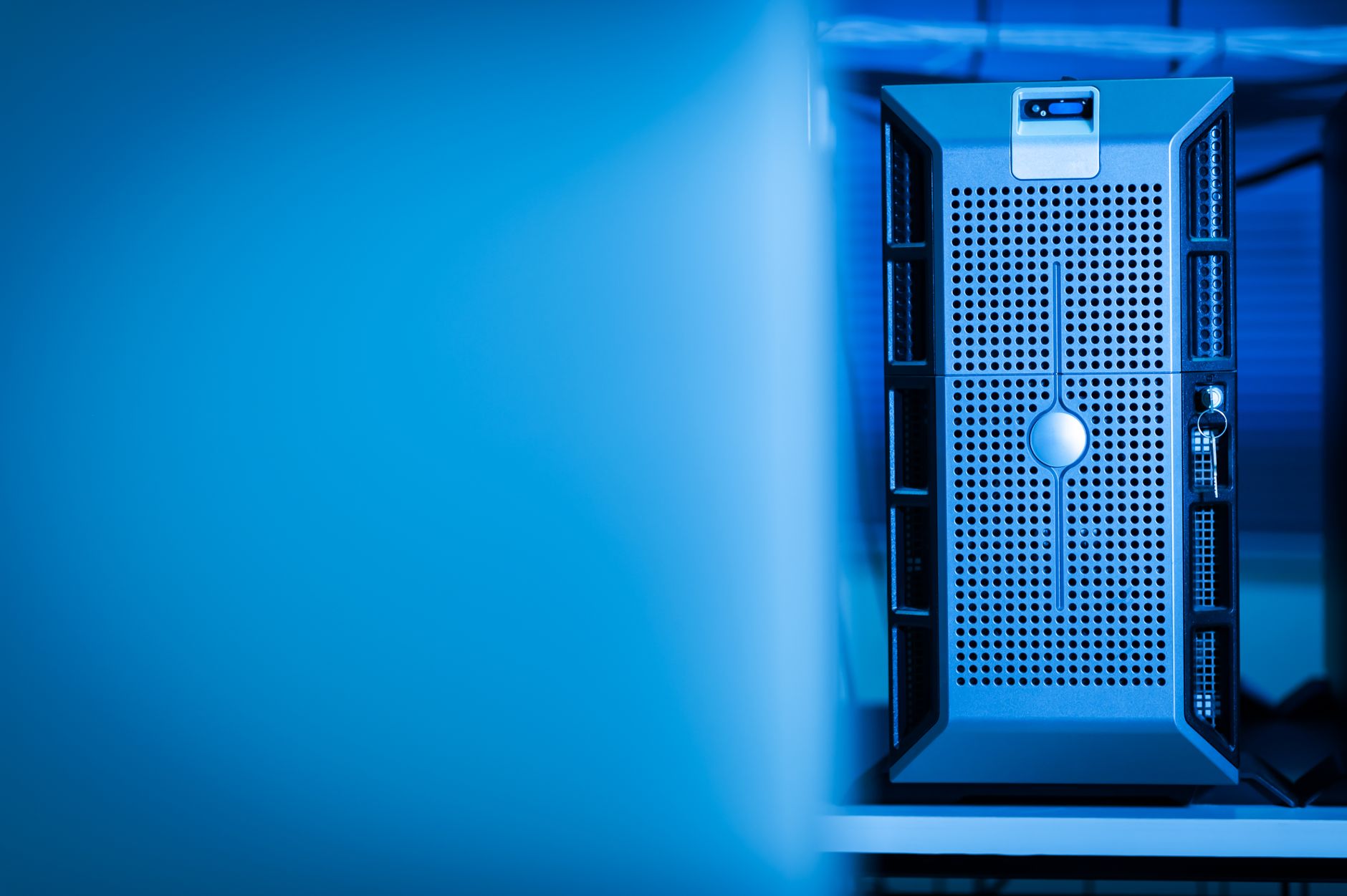
At 3:40 a.m., a chiller at a regional hosting provider’s data center tripped offline after a brief power flicker. The backup chiller needed several minutes to start. In the meantime, temperatures in the enclosed rows behind the servers climbed past 50°C, and servers began slowing themselves down, then shutting off. By the time cooling recovered, dozens of customer machines were offline.
Three months later, one of the same provider’s customers lost its cloud environment to an attack. The attackers didn’t break anything clever. They logged in with a stolen administrator password, deleted the backups, and then encrypted everything else.
Different incidents, same lesson. Both setups worked well on a normal day and had no plan for the first few minutes of a bad one.
Containment Speeds Up Failure Too
Hot aisle containment encloses the space behind server racks where exhaust air collects, so that hot air goes straight back to the cooling units instead of mixing with the cold supply air. On a normal day, this lets a data center cool more equipment with less energy.
During a cooling failure, the same design works against you. The hot air is trapped in a small enclosed volume, and it heats up much faster than an open room would. Older data centers had minutes of thermal ride-through. Dense, contained rows can have far less.
The fixes are specific. Put the fans and pumps that move air and water on backup power, not just the servers, so air keeps circulating while chillers restart, which can take ten minutes or more after a power interruption. Some containment systems include ceiling panels or doors that open automatically when temperatures pass a threshold, letting hot air spread into the larger room and buying time. Place temperature alarms at the rack level, inside the contained aisle, rather than relying on room sensors that react late.
Then run the scenario. Simulate a chiller failure during a maintenance window and measure how long you actually have.
Walls Only Work When They’re Closed
Containment also fails in quieter ways. Doors propped open during long cabling jobs, panels removed and never reinstalled, empty rack slots without blanking plates. A monthly walk-through with a checklist catches most of it.
How Ransomware Moved Into the Cloud
Ransomware in the cloud often looks different from the attacks that hit office networks. Attackers frequently skip malware entirely. They get credentials, typically through phishing an administrator or finding an access key accidentally left in a code repository, and then use the cloud provider’s own tools against the victim.
The sequence tends to repeat. Disable logging. Delete snapshots and backups stored in the same account. Copy sensitive data out for extortion. Then encrypt storage or delete resources outright. Some attacks use the provider’s own encryption features, applied with keys the attacker controls.
The customer in the opening story had backups. They lived in the same account, reachable with the same administrator credentials, which meant they disappeared first.
Defenses That Hold During the Bad Hour
The most valuable step is isolation. Keep backups in a separate account with separate credentials that no everyday administrator uses. Lock them with retention periods during which nobody, including an administrator, can delete them. That one design choice turns a catastrophe into a bad week.
Require multi-factor authentication on every human account and eliminate long-lived access keys where possible. Grant administrators only the permissions their role needs. Set alerts for unusual behavior: logging being disabled, snapshots deleted in bulk, large volumes of data leaving the account.
Keep emergency “break-glass” credentials stored offline, tested, and known to a small number of people. And rehearse a full restore into a clean account at least twice a year, timing every step.
If budget forces a choice, I’d fund backup isolation before advanced detection tools. Detection tells you an attack is happening. Isolated backups determine whether you recover from it.
Both incidents at the hosting provider came down to the same oversight: designs tested only in the conditions they were built for. The provider now runs a quarterly exercise that covers both a cooling failure and a simulated credential theft, and the people running it say the most useful moments are always the ones where someone discovers what nobody had planned for.