
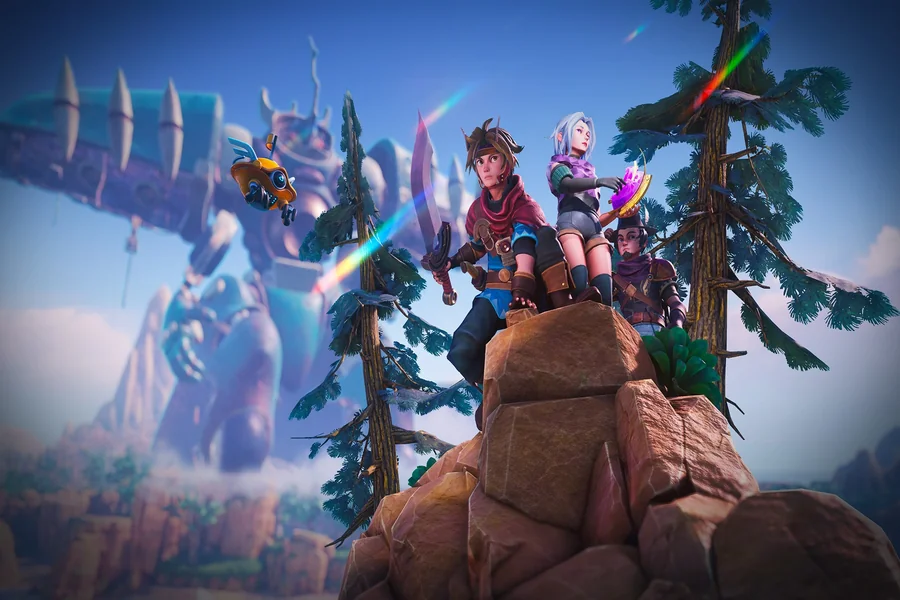
The best budget character creator tools for indie game development combine a free concept stage, free 3D or 2D production software, and paid tools only where they save real time. Adobe Firefly’s AI character generator covers concepting with free daily generations, and its commercially safe models help when characters move into a shipped game.
Picture a two-person studio making a cozy farming RPG. They need a hero, a dozen villagers, and a handful of animals, but their budget for software is close to zero. Character work usually happens in three stages: exploring looks and personalities, building the final model or sprite, and animating it for the game engine. Each stage has a different best tool, and the good news is that several of the strongest options cost nothing. The trick is knowing where free tools shine and where a small purchase saves weeks of work.
Firefly fits the first stage. Adobe describes AI character generation as ideal for early-stage development and ideation for game characters and animated stories. You can describe a character with a text prompt, upload a reference sketch to guide its style and structure, and generate variations in new settings while keeping the look consistent. Adobe says free users receive free daily generations, and a paid plan adds higher-volume use. Firefly generations also open easily in Adobe apps like Photoshop, which is handy for painting over concepts. From there, the team can take an approved design into a modeling or sprite tool to build the final, game-ready asset.
Blender Features for Character Modeling: Free and Open Source
Blender’s features for character modeling are a big reason it’s popular with indie teams, especially since it’s free and open source.
Blender describes itself as a free and open source 3D creation suite that supports the entire 3D pipeline, including modeling, rigging, animation, simulation, rendering, compositing, motion tracking, and video editing. For characters, that means you can sculpt a model with advanced brushes, build an armature for rigging, and animate with full support for onion skinning, all in one app.
Blender also handles game handoff. Guides note that its FBX and glTF exports work well with Unity and Unreal Engine, with glTF especially suited to real-time engines because it preserves PBR materials. And its Python API supports hundreds of community add-ons that can speed up rigging and other repetitive tasks.
Is Blender Really Free and Open Source?
Yes, Blender is truly free and open source. Blender’s site says it’s a public project licensed under the GNU GPL and owned by its contributors, and that it’s free and open source software forever.
For indie developers, the license matters as much as the price. Guides on Blender note that the GPL permits commercial use, so you can create characters for a game you sell without paying subscription or license fees. There are no feature-limited tiers, either, so every user gets the full toolset and updates.
The trade-off is learning time. Blender’s interface and feature set are deep, and some reviewers note that specialist tools for tasks like high-poly sculpting may not always match dedicated paid software. For most indie projects, though, Blender’s free toolset is more than enough to build and animate characters.
Which Character Creator 2D Tool Works for Indie Games?
The best character creator 2D tool for indie games depends on your art style, whether that’s pixel art, hand-drawn sprites, or 2D animation inside a 3D scene. The table below compares four options.
| Platform | Best for | Key details |
| Adobe Firefly | 2D concept art and style exploration | Text prompts and reference images; styles from anime to digital painting; free daily generations; commercially safe Firefly models |
| Blender Grease Pencil | 2D animation inside a 3D scene | Free 2D drawing and animation system built into Blender |
| Piskel | Free pixel art sprites in a browser | Custom canvas sizes; PNG, sprite sheet, and GIF export; open source |
| Pixelorama | Free desktop pixel art | Free and open source pixel art editor |
A common budget workflow is to explore the character in Firefly, then redraw the final sprite by hand in a pixel editor or animate a 2D version with Grease Pencil.
Character Creator Pricing for Indie Developers
Character creator pricing for indie developers ranges from completely free to subscriptions, so it pays to match spending to the stage that slows you down most.
Free: Blender, Piskel, and Pixelorama cost nothing. Firefly offers free daily generations with a free Adobe account. Autodesk Flow Studio, which turns text or images into 3D characters with AI rigging, also includes a free tier, according to Autodesk.
Freemium or paid: Firefly’s paid plans add higher-volume use and more creative features. Dedicated tools like Aseprite or specialized character suites are paid products, so check current pricing before buying.
A smart budget rule is to start free everywhere, then upgrade the one tool you use every day. For many indie teams, that’s a modeling or sprite editor, while concepting stays on a free plan.
FAQ
Can I use AI-generated characters in a commercial game?
Adobe says character designs generated with Firefly’s own models are commercially safe because they were trained on licensed content and public domain content. For partner models, you’re responsible for checking whether the model suits your project.
Should I make final game assets with AI?
Many studios use AI for concepts and references, then build final models or sprites by hand for full control over style, topology, and animation. Adobe positions its character generator as ideal for early-stage development.
Which free tool should a beginner start with?
For 3D games, start with Blender. For pixel art games, try Piskel in a browser. Use Firefly alongside either to explore character ideas before committing to a final design.